Workspaces
Bring a team, client or department together with shared activity, knowledge and access controls.
Give your team a shared system for AI, from the knowledge behind a brief to the output they review and share.
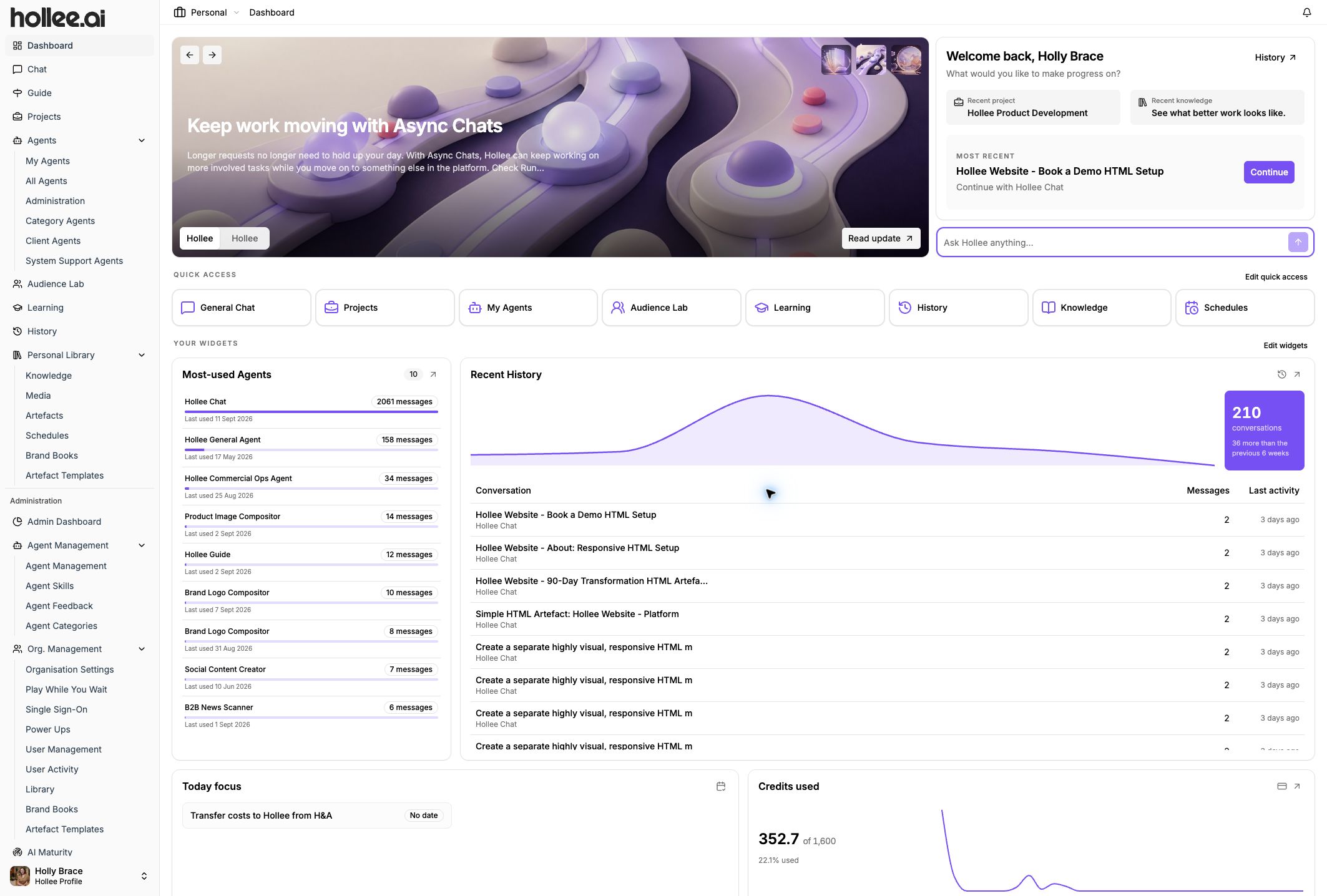
Bring people, organisational knowledge and AI into the same working environment.
The 16 features are grouped below. Open any one to see what it does and where it fits.
A shared home for the brief, the people and everything that follows.
Bring a team, client or department together with shared activity, knowledge and access controls.
Keep the tasks, context and outputs for a defined piece of work in one place.
Create webpages, documents, plans and other outputs that your team can edit, share and reuse.
Bring images, reference material and ideas together on a visual board, with notes and connections that explain the direction.
Make the sources and standards behind your work available where they are needed.
Organise approved documents, research and examples for people and assistants to draw on.
Keep voice, visual identity, audiences and approved assets together to guide consistent work.
Bring audience context into research, planning and review to help teams challenge assumptions.
Give people a tailored starting page with guidance, useful content and the agents selected for their work.
Use specialist assistants and different media within the same working environment.
Use or build assistants with specific instructions, skills and organisational knowledge.
Access models across providers and choose the capabilities available for your work.
Work with text, images, data, research, audio and video as well as documents and presentations.
Connect supported external platforms and specialist tools to bring useful context into Hollee.
Support adoption with structured work and clear responsibilities.
Connect briefing, creation, review and learning. Keep consequential decisions and approval with people.
Build confidence through guided work and carry feedback into the next task.
Give administrators visibility of model and service usage so they can review how AI is being used.
Use workspace permissions and approved knowledge to manage who can work with which resources. Human review remains essential for consequential outputs.
 View full-size screenshot
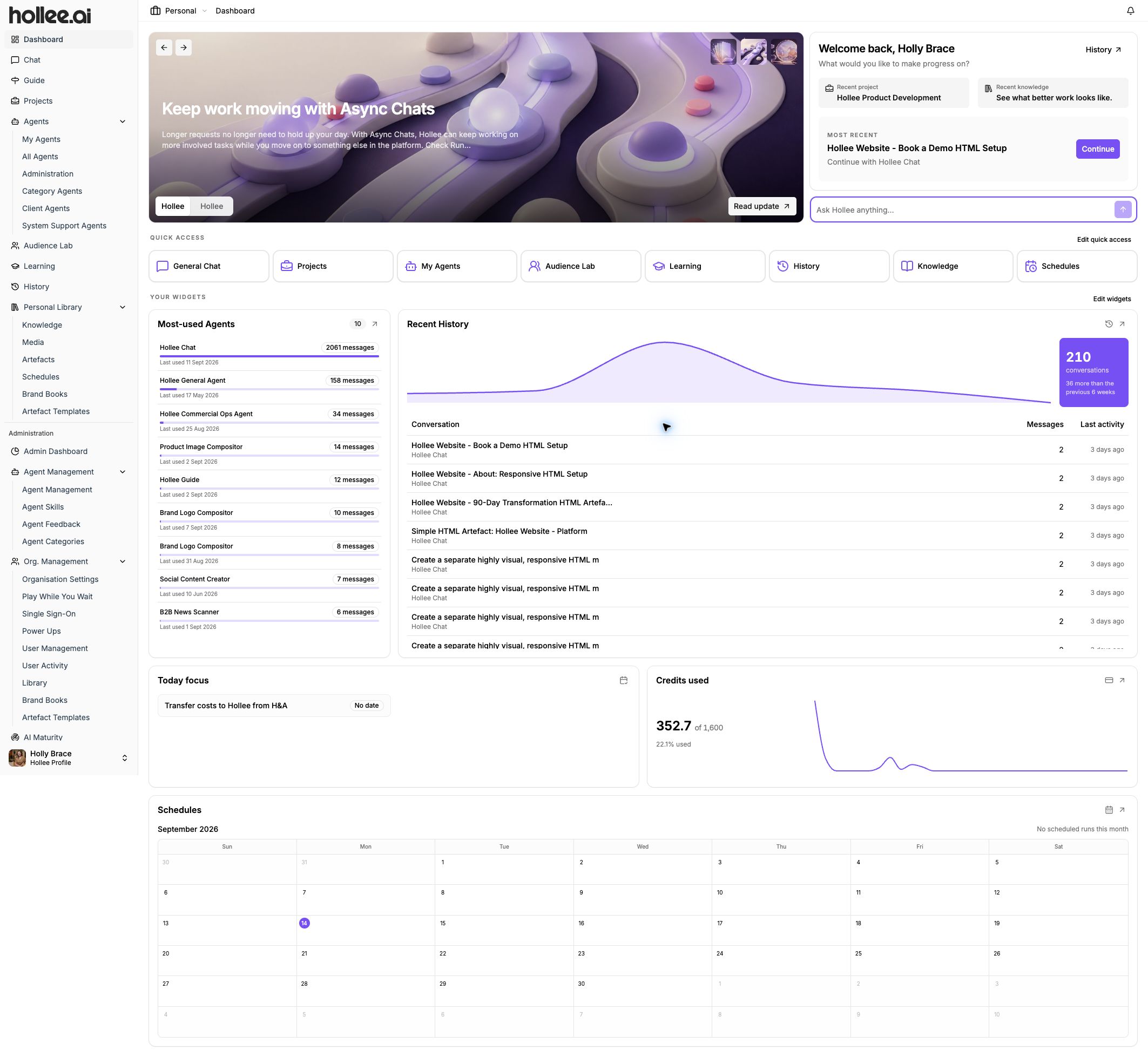
 Give a team, client or department a shared home for its work. A workspace brings people, projects, agents and useful knowledge together, so the context can stay with the work rather than in separate conversations.
A client team could keep its active projects, approved reference material and specialist assistants in one workspace.
 View full-size screenshot
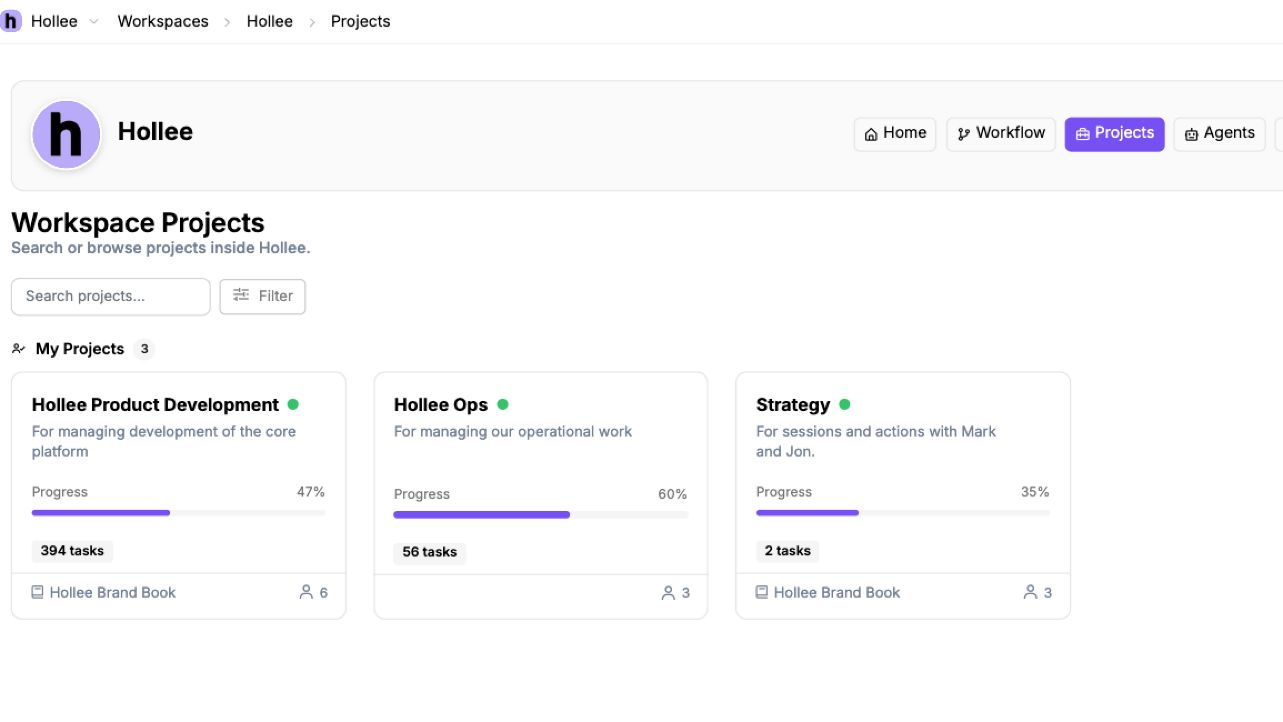
 Keep a defined piece of work together from the initial objective through to its outputs. Projects give the team a place for tasks, relevant context and activity within the wider workspace.
A campaign project could bring together planning tasks, background research and the materials the team is developing.
 View full-size screenshot
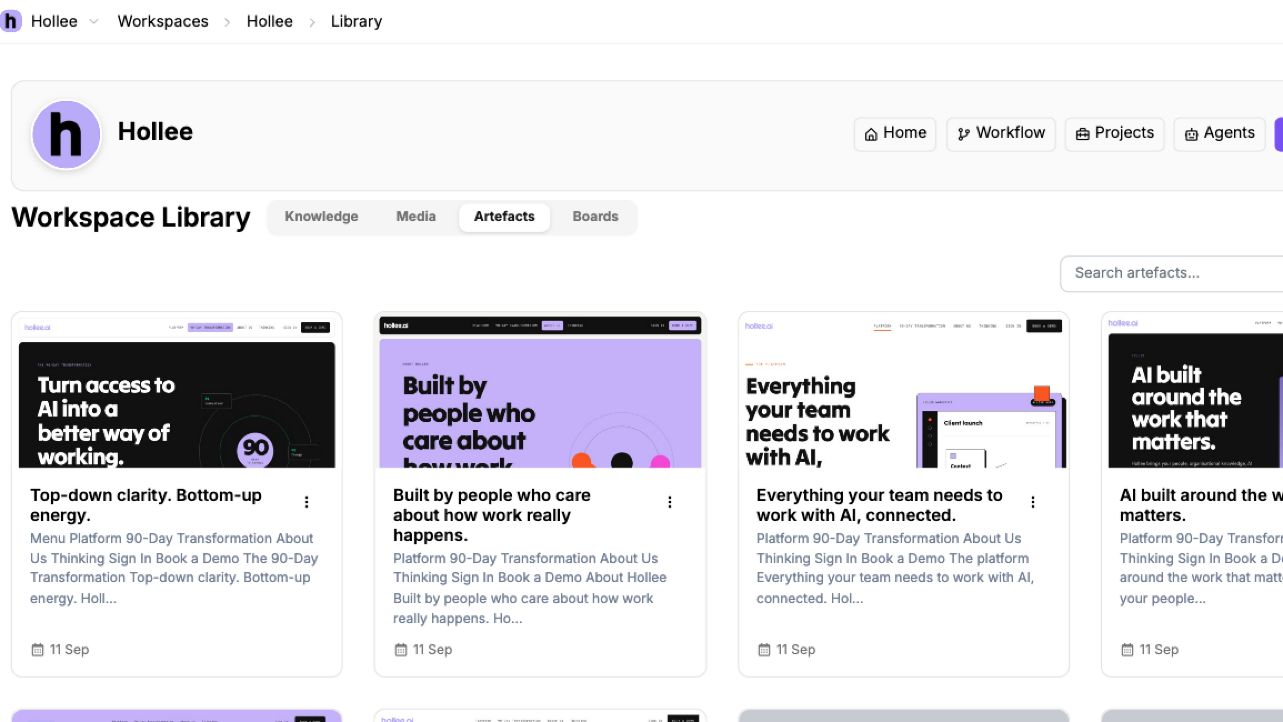
 Turn a conversation into something people can actually use. Artefacts are outputs such as webpages, documents and plans that can be opened, edited and shared beyond the original chat.
Turn a planning conversation into a working webpage or a structured document for the team to review.
 View full-size screenshot
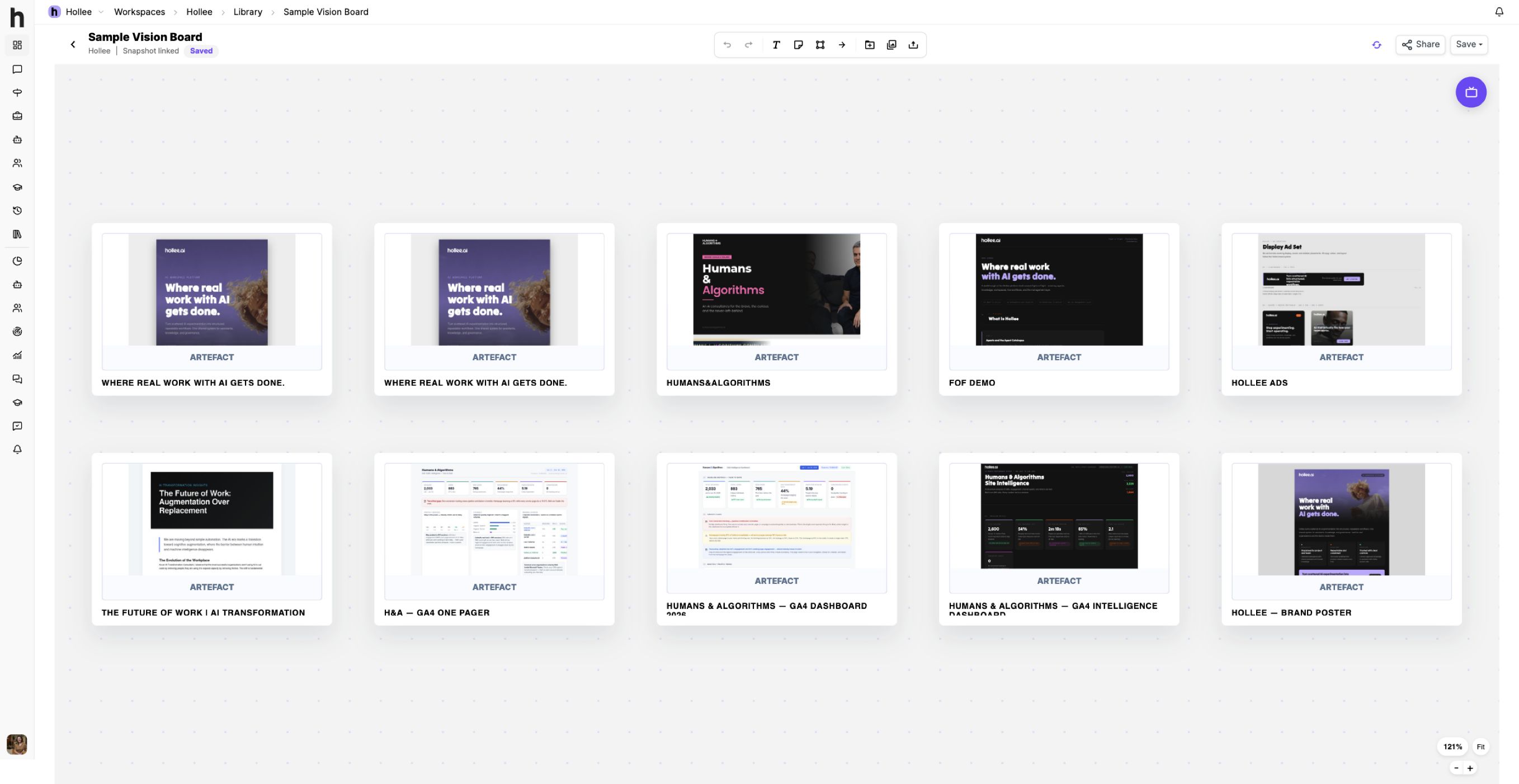
 See the bigger picture before choosing a direction. Vision Boards let you arrange material from your library alongside text, sticky notes, shapes and connectors, bringing the references and thinking behind an idea into one visual space.
Bring visual references, draft outputs and notes together for a campaign, so the team can compare directions with the context in view.
 View full-size screenshot
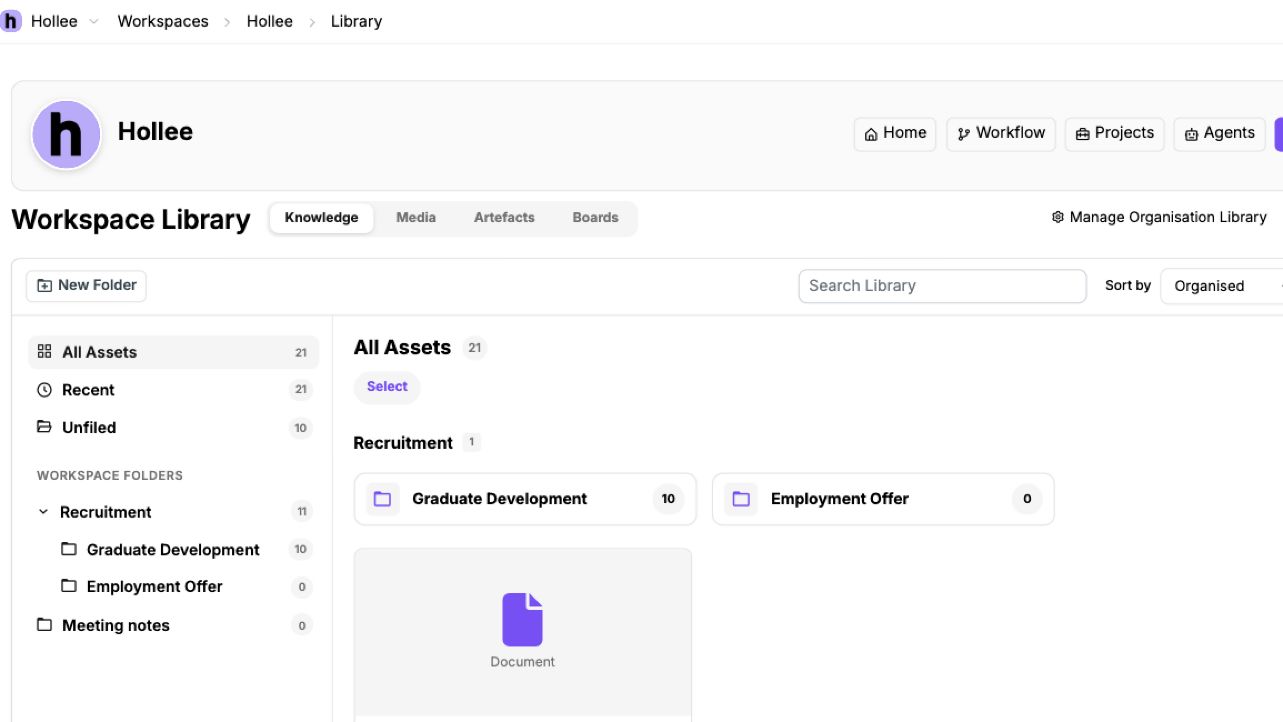
 Keep the source material behind your work organised and available to people and assistants. The library gives teams a shared place for documents, research and examples, instead of repeatedly starting from scattered files.
A proposal team could work from the same service descriptions, research and approved case studies.
 View full-size screenshot
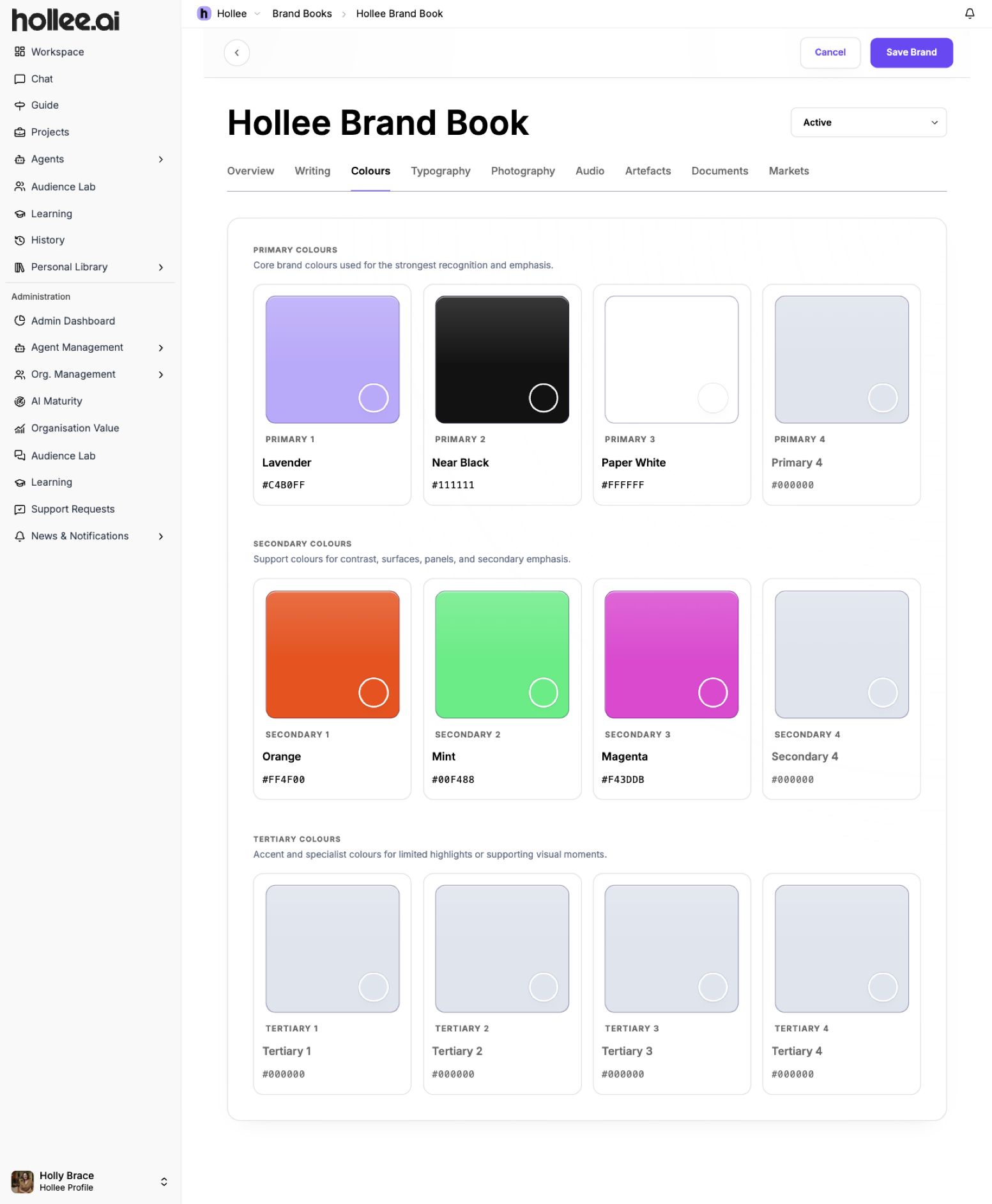
 Put the rules and references that make your organisation recognisable in one place. Brand Books bring together writing guidance, visual identity, audience context and approved assets to guide both people and AI-assisted work.
A communications team could use the same voice guidance and visual references when developing campaign materials.
 View full-size screenshot
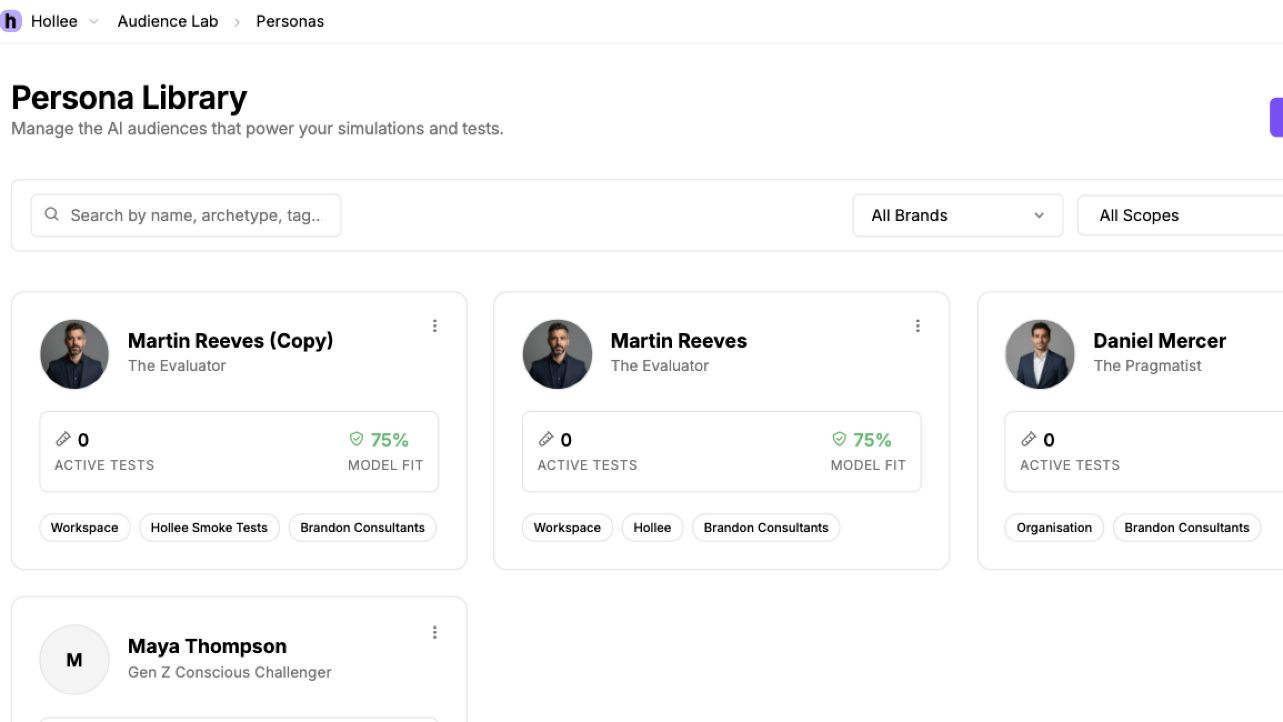
 Explore how different audiences might interpret an idea, message or piece of work. Audience Lab uses personas to bring an audience perspective into planning and review, helping teams spot questions they may have missed.
Test the questions a first-time customer might have about a proposed message. AI-simulated feedback supports, but does not replace, research with real people.
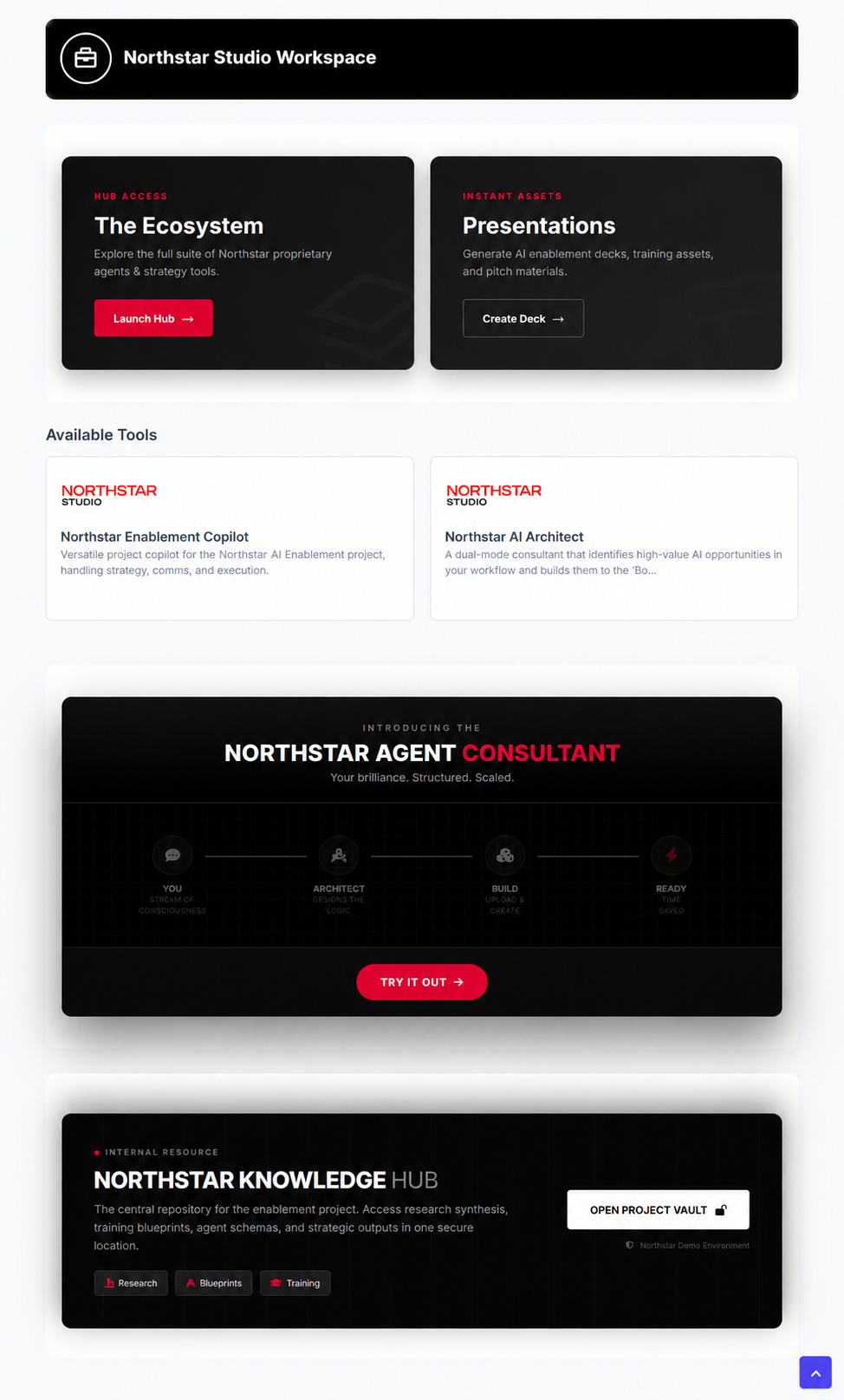 View full-size screenshot
 Give people a clear place to start, with the guidance and AI assistants selected for their work. A Springboard is a tailored page within a workspace, bringing introductory content, useful resources and a curated set of agents together.
Create a starting page for a client team: a short welcome, guidance on how to work, links to useful resources and the agents they will use. People can read the guidance and launch an assistant from the same place.
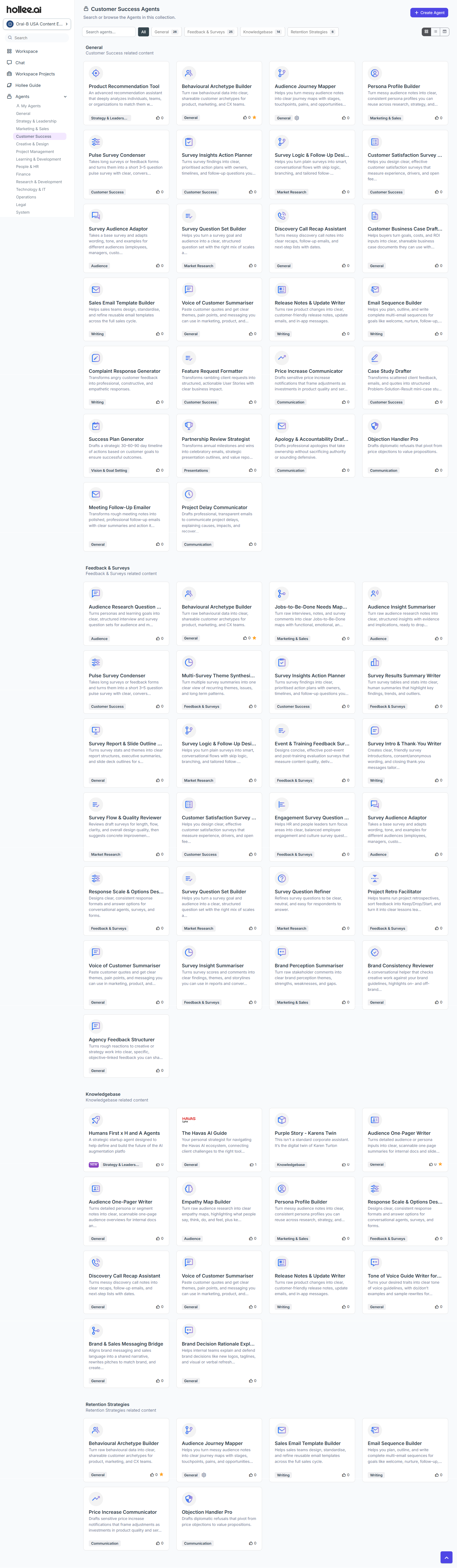 View full-size screenshot
 Give AI a defined role in the work. Agents combine instructions, relevant knowledge and selected capabilities to support a particular job, rather than relying on everyone to write the same setup from scratch.
An assistant could help structure a client brief using your organisation’s guidance. People still review the result and make the decisions.
 View full-size screenshot
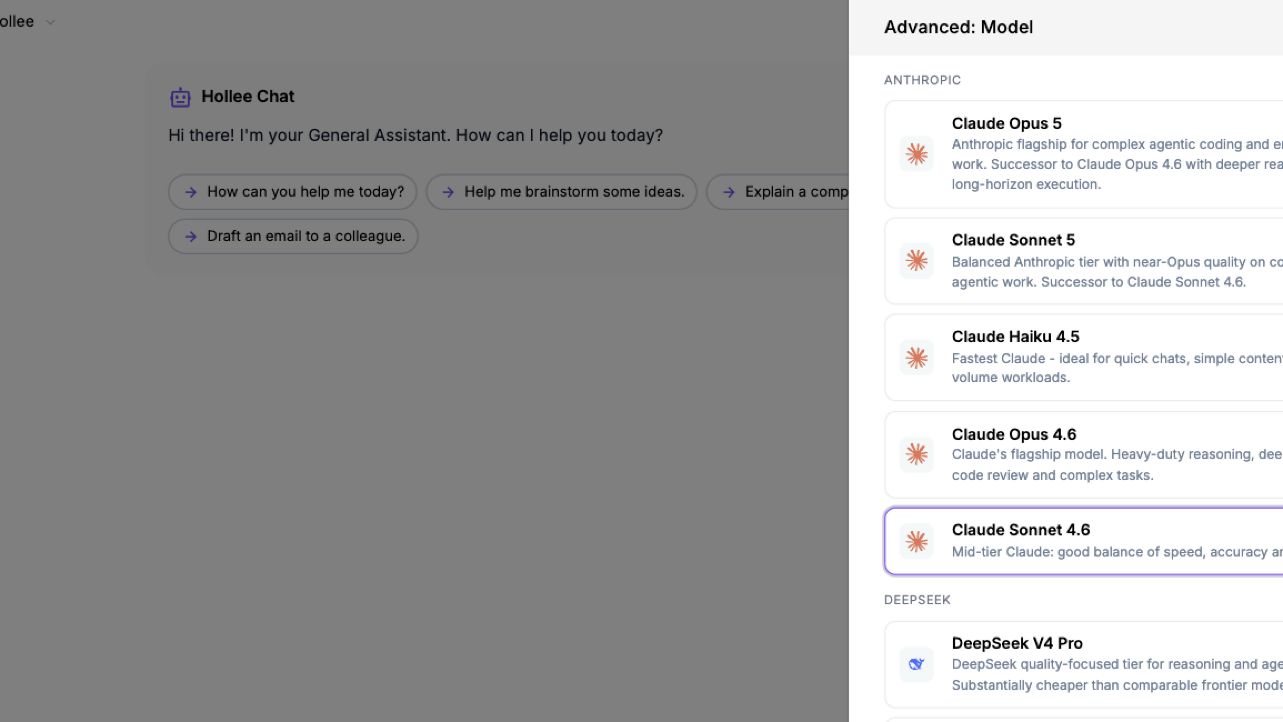
 Different tasks need different capabilities. Hollee brings models from multiple providers into one environment, allowing teams to work with the options made available by their organisation.
A team might choose different capabilities for detailed analysis, drafting and image work. Available models can change as providers and the platform evolve.
 View full-size screenshot
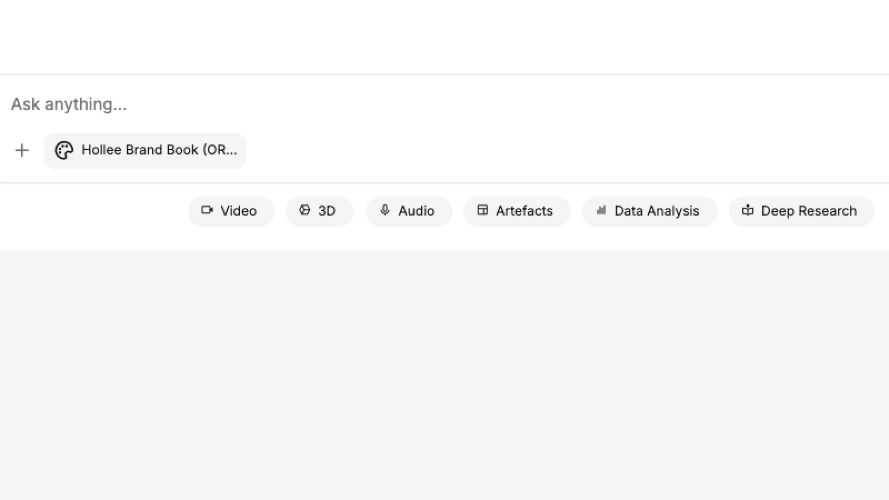
 Work with more than text. Hollee brings text, images, audio, video, research and data capabilities into the working environment, alongside document and presentation outputs.
Develop a written campaign idea alongside visual directions and a presentation. The supported inputs and outputs depend on the tools and models selected.
 View full-size screenshot
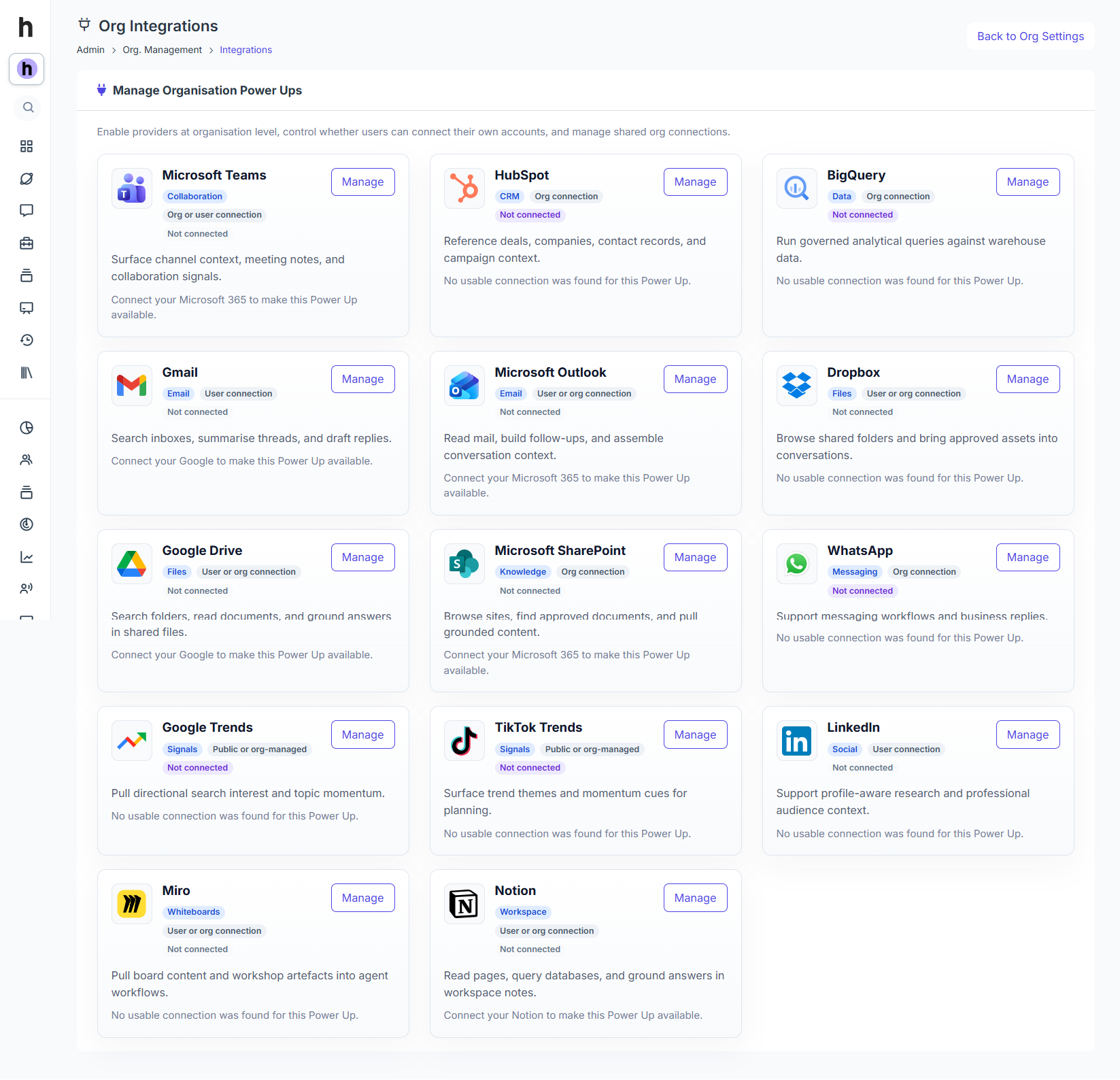
 Connect supported external platforms and specialist tools to Hollee. Power-Ups give teams a route to useful capabilities and context from the systems they already use.
A supported connection could help retrieve relevant information from another system. What it can read or do depends on the integration and its permissions.
 View full-size screenshot
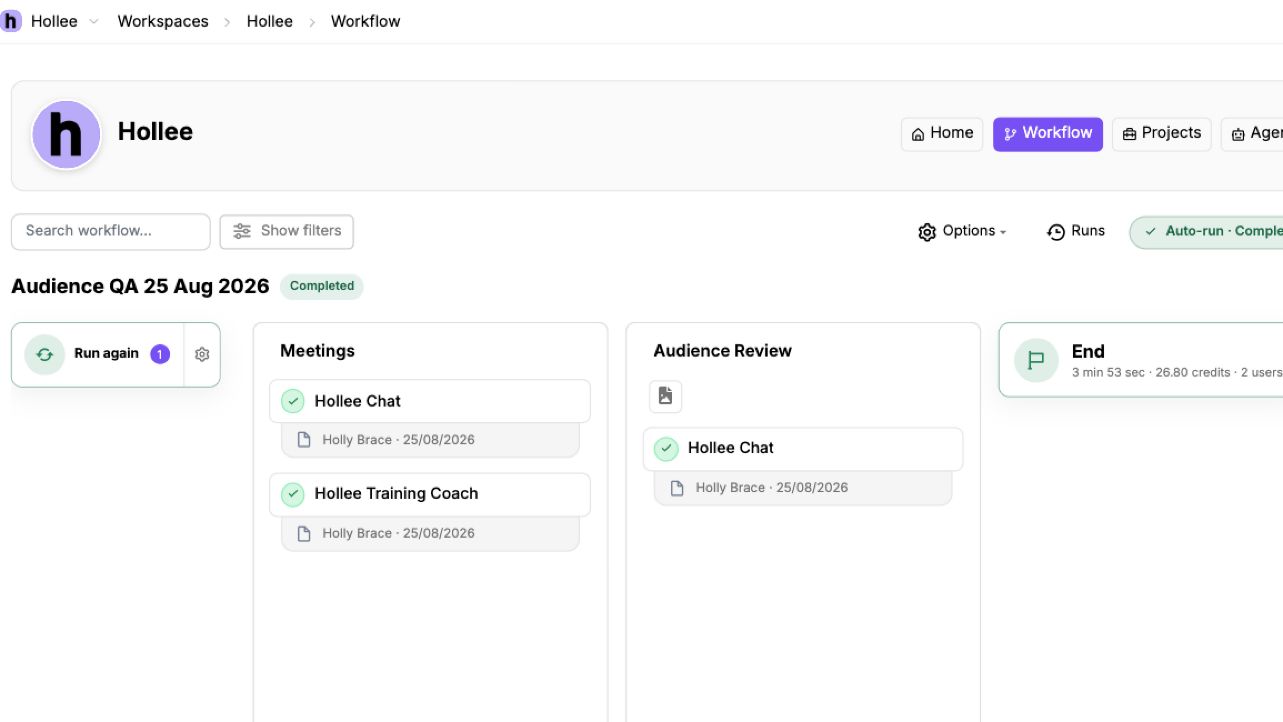
 Make the route through the work clear. Workflows connect planning, creation, review and learning, showing where people and AI contribute and where human judgement is needed.
A proposal workflow could move from briefing and research into drafting and human review, then capture useful feedback for the next proposal.
 View full-size screenshot
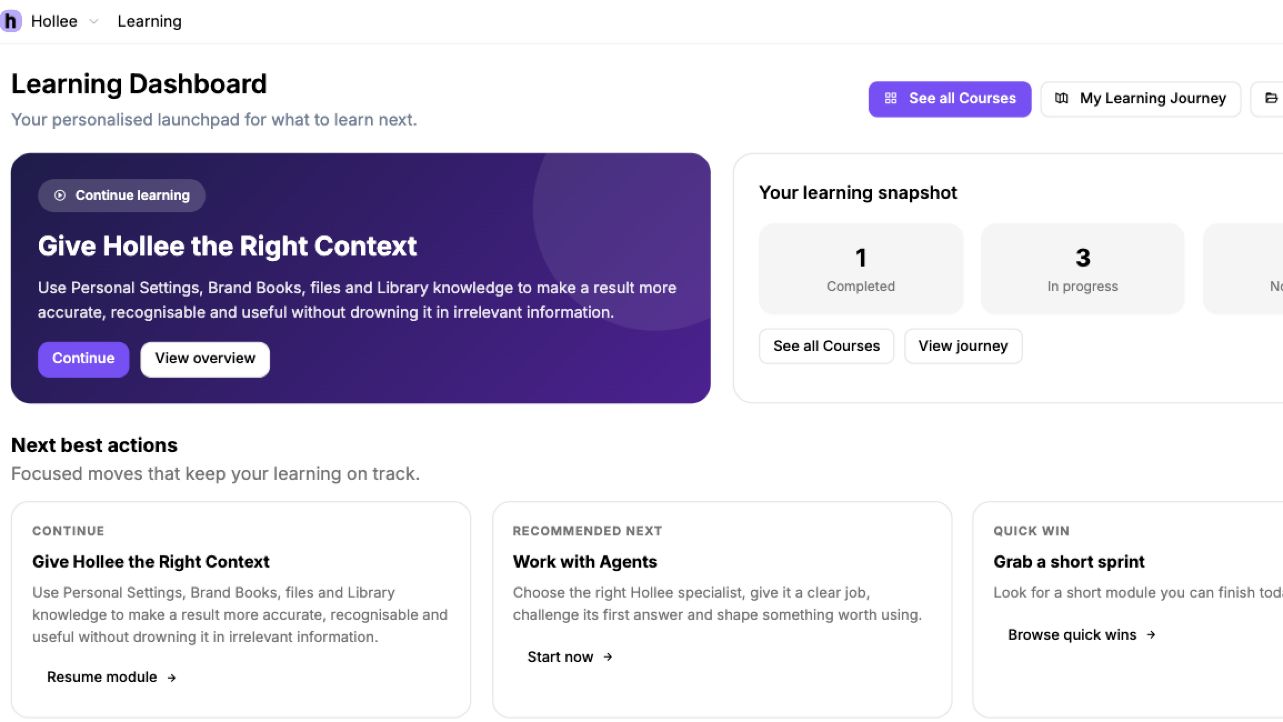
 Help people build confidence through real work. Learning combines guidance with the opportunity to apply it, while feedback from completed work helps inform what the team does next.
A team could practise a new way of briefing an assistant, review what worked and use that learning on its next live task.
 View full-size screenshot
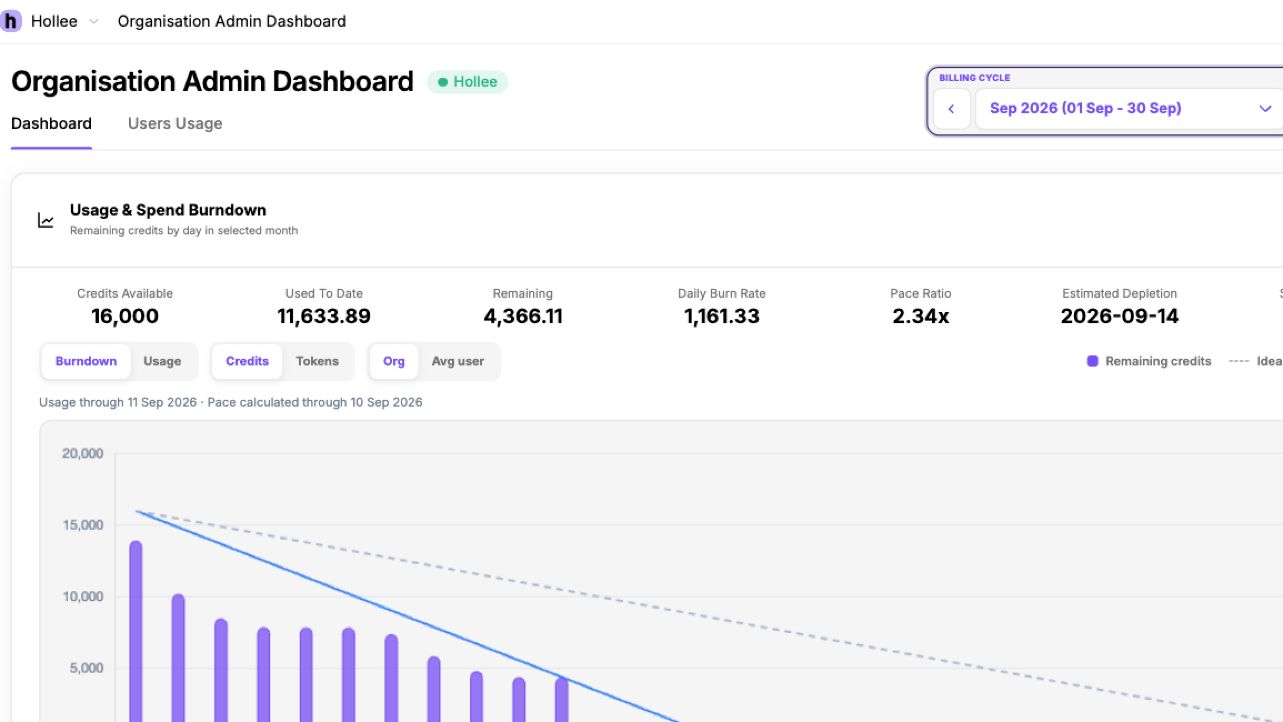
 Understand how AI is being used across the organisation. Usage visibility helps administrators review model and service activity and make better-informed choices about the capabilities teams use.
An administrator could review usage patterns before discussing which models or services are appropriate for a team’s routine work.
View full-size screenshot Give shared AI work clear boundaries. Workspace permissions and approved knowledge help organisations manage who can access resources and which material is available to support the work.
A team can work with the resources intended for its workspace, then review outputs against organisational standards before release.